
Sale!
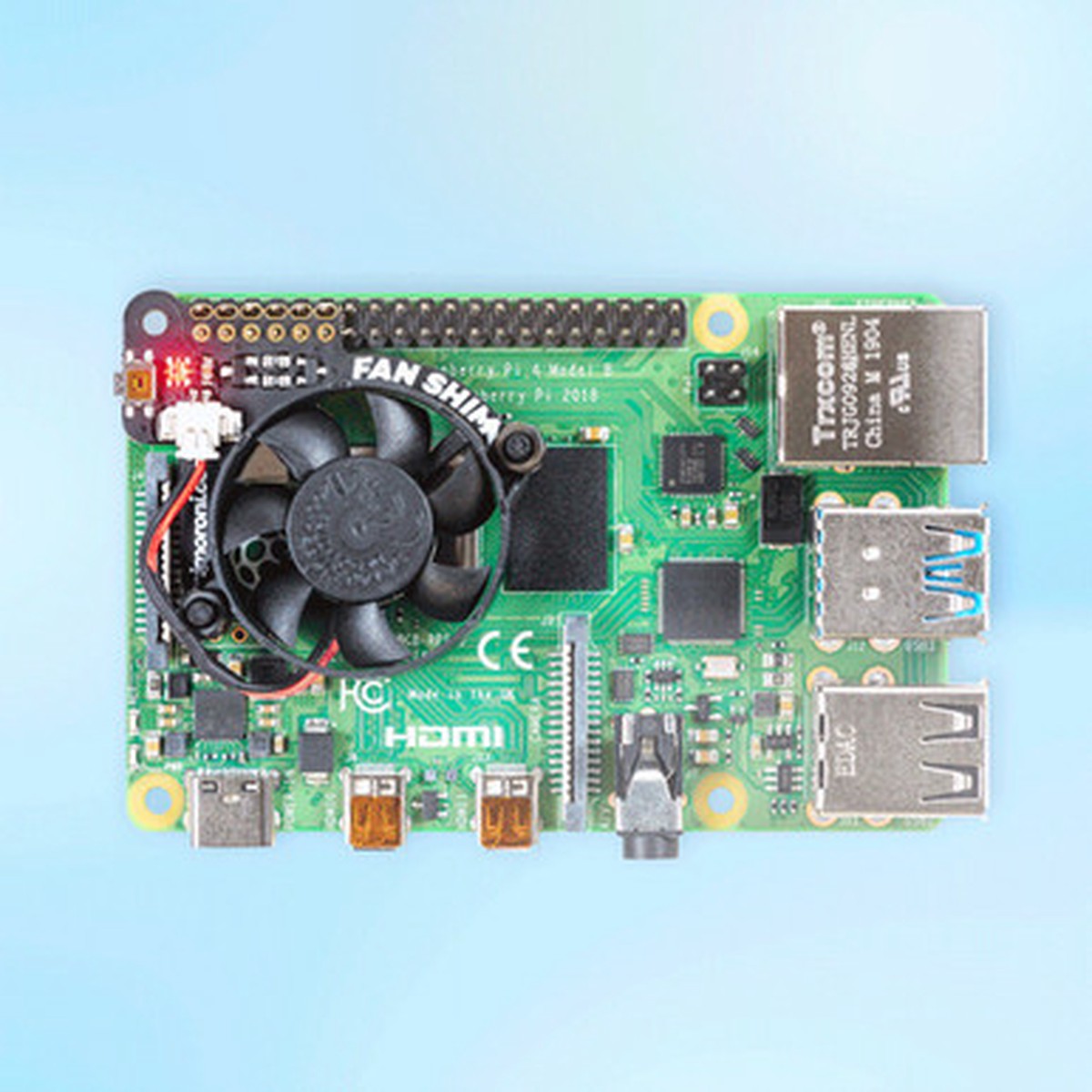
Hot Sale Fan SHIM for Raspberry Pi
Original price was: $13.95.$11.16Current price is: $11.16.
Description
Description Show Reviews Make your Raspberry Pi 4 seriously cool with Fan SHIM! This 30mm no-solder, controllable CPU fan with RGB LED and tactile switch will give your Raspberry Pisignificantly better thermal performance. It’s whisper-quiet too! Fan SHIM uses afriction-fit header, so it just slipsonto your Pi’s pins and it’s ready to go, no soldering required! Note that, due to the height of the fan, if you want to use HATs or pHATs with Fan SHIM, then you’ll need to use abooster header. Thermal images of Raspberry Pi 4 with and wihout FanSHIM installed. Images by Gareth Halfacree – check out his full benchmark blog post . The fan can be controlled in software, so you can do crafty things like toggle it on when the CPU reaches a certain temperature. Use theLED asa handy visual indicator to show fan status, CPU load/temperature, whatever! The tactile switch can also be programmed, so you can use it to toggle the fan on or off, or to switch between temperature-triggered or manualmode. You can read some detailed benchmarking of Fan SHIM’s coolingperformance here on the Pimoroni blog. Oh, and it’s compatible with our new Pibow Coup 4 case for Raspberry Pi 4 ! Features 30mm 5V DCfan 4,200 RPM 0.05 m 3 /min air flow 18.6 dB acoustic noise (whisper-quiet) Friction-fit header No soldering required RGB LED (APA102) Tactile switch Basic assembly required Compatible with Raspberry Pi 4 (and 3 B+, 3 A+) Python library and daemon Pinout Dimensional drawing * Note that variation in manufacturing tolerances on both headers and boards can affect the tightness of the friction fit.If you find thatyours isnot making a good connection, you could try bending the two rows of GPIO pins away from each other very slightly to improve the fit. Soldering the SHIM (either to the Pi’s GPIO directly, or to asocket header) willprovide the most robust connection. Kit contains Fan SHIM PCB 30mm 5V DCfan with JST connector M2.5 nuts and bolts Assembly Assembly is really easy, and will take less thantwo minutes. With the component side of the PCB facing upwards, push the two M2.5 bolts through the holes from below, thenscrew on the first pair of nuts to secure them and act as spacers. Push the fan’s mounting holes down onto the bolts, with the cableside of the fan downwards (as pictured) and the text on the fan upwards. Attach withanother two nuts. Push the fan’s JST connector into the socket on Fan SHIM. Software Our Python library lets you control the fan (on/off), RGB LED, and switch. There’s a handful of examples to show you how to useeach feature, and ascript to install a daemon (a service that runs in the background) that runs the fan in automaticmode, triggering it on or off when the CPU reaches a threshold temperature, with a manual override via the tactile switch. GitHub user “jane-t” has made a really usefulLibreElec add-on to enable CPU temperature-based control ofFan SHIM: https://github.com/jane-t/rpi-fanshim Tutorial You can read our Getting Started with Fan SHIM tutorial for a really detailed guide on assembling Fan SHIM andinstalling the software, with photos for each step of the assembly. Notes When mounting or detaching the fan, or assembled Fan SHIM, do not push on the fan itself , as itis liable to break. Be careful to mount your Fan SHIM on the correct pins on your Pi, with the Pi shut down and power disconnected. Shifting it left by one pin or down a full row of pins couldcause damage to both the Fan SHIM and the Pi. Check out the photos in our tutorial if you’re not sure. Not heatsink-compatible! Because Fan SHIM uses pin BCM18 tocontrol the fan, and thispin is also used by I2S audio devices, you won’t be able to use I2S DACslike pHAT DAC, pHAT BEAT, and the IQAudioboards at the same time as Fan SHIM Dimensions: 45x39x11mm If you’re using it with Ubuntu, the fan control won’t work as it uses the serial pins which are enabled at boot by default. To disable these and allow the shim to work add enable_uart=0 to system-boot/usercfg.txt. 0 Reviews Hide Reviews Show Reviews
You May Also Like

Original price was: $27.95.$22.36Current price is: $22.36.

Original price was: $164.95.$82.48Current price is: $82.48.
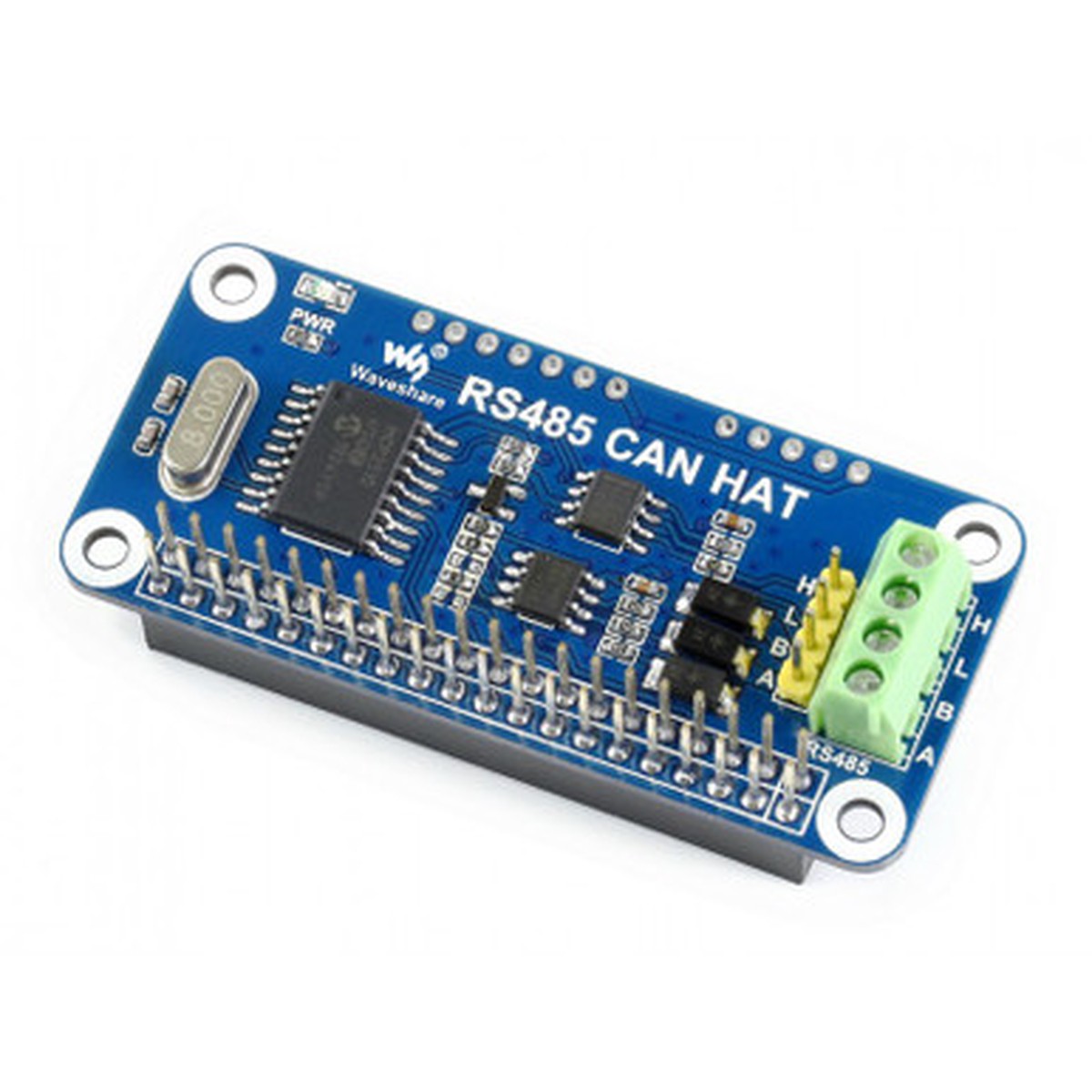
Original price was: $15.45.$12.36Current price is: $12.36.
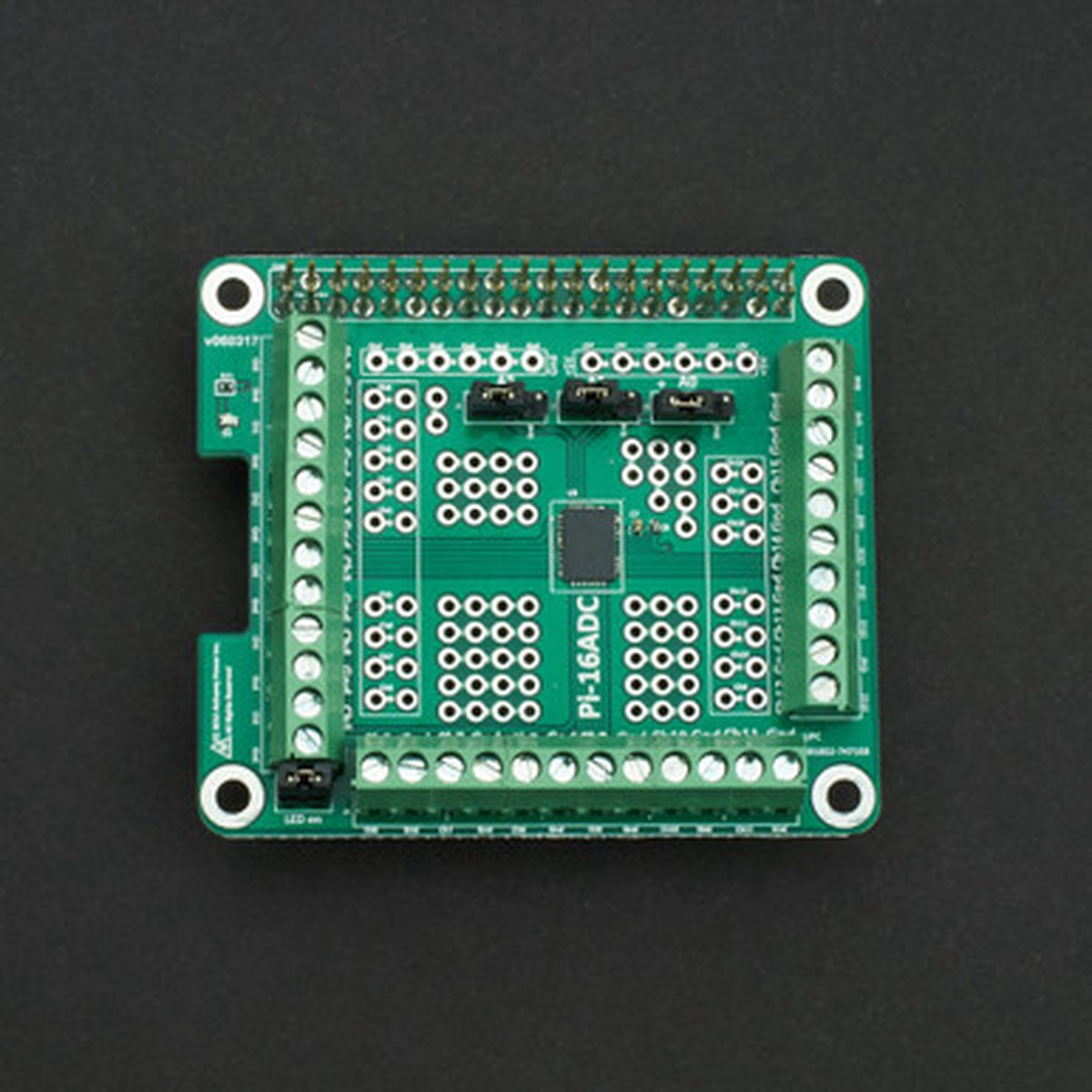
Original price was: $38.00.$30.40Current price is: $30.40.

Original price was: $34.95.$27.96Current price is: $27.96.

Original price was: $24.95.$19.96Current price is: $19.96.
Reviews
There are no reviews yet.